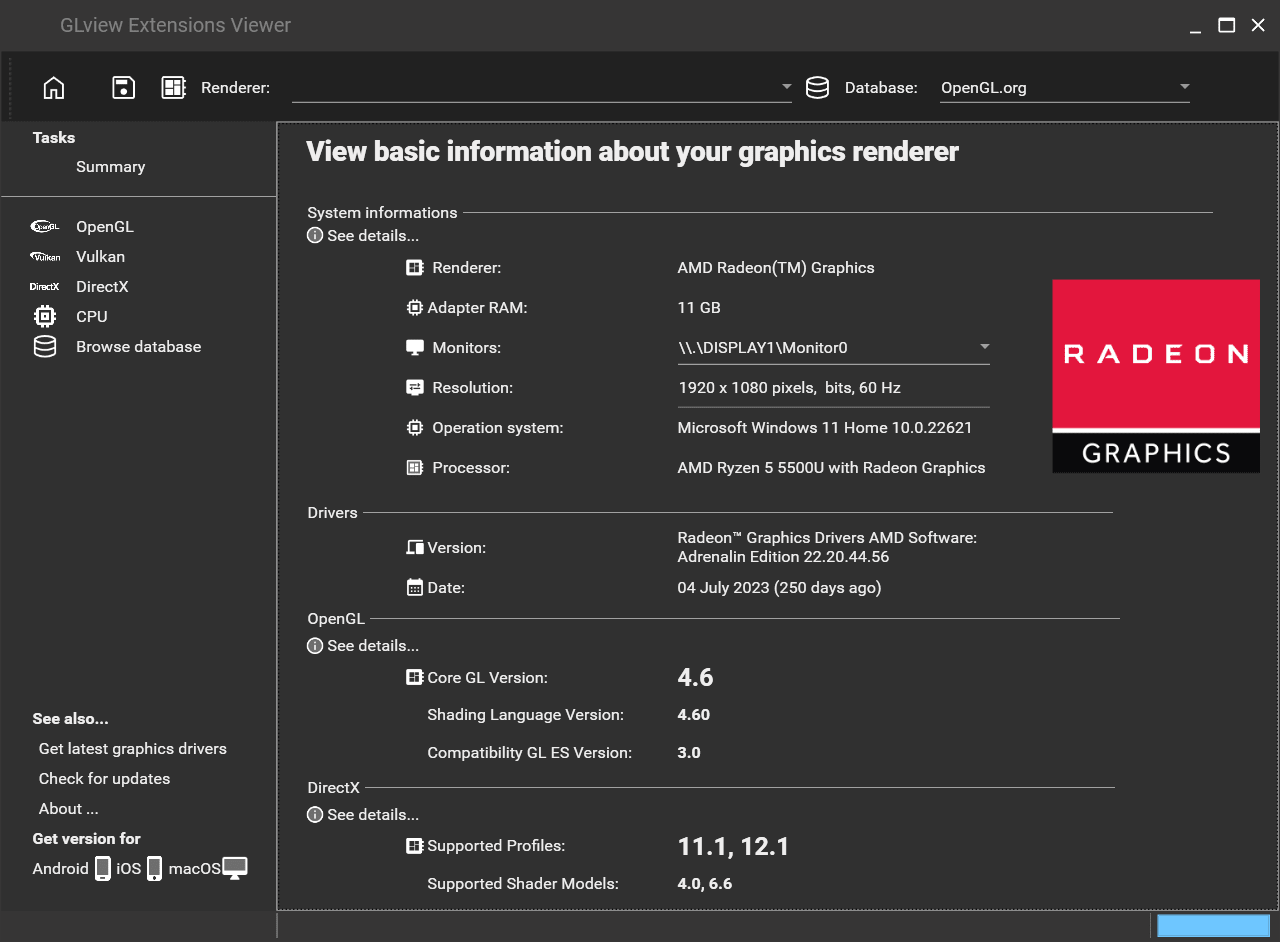
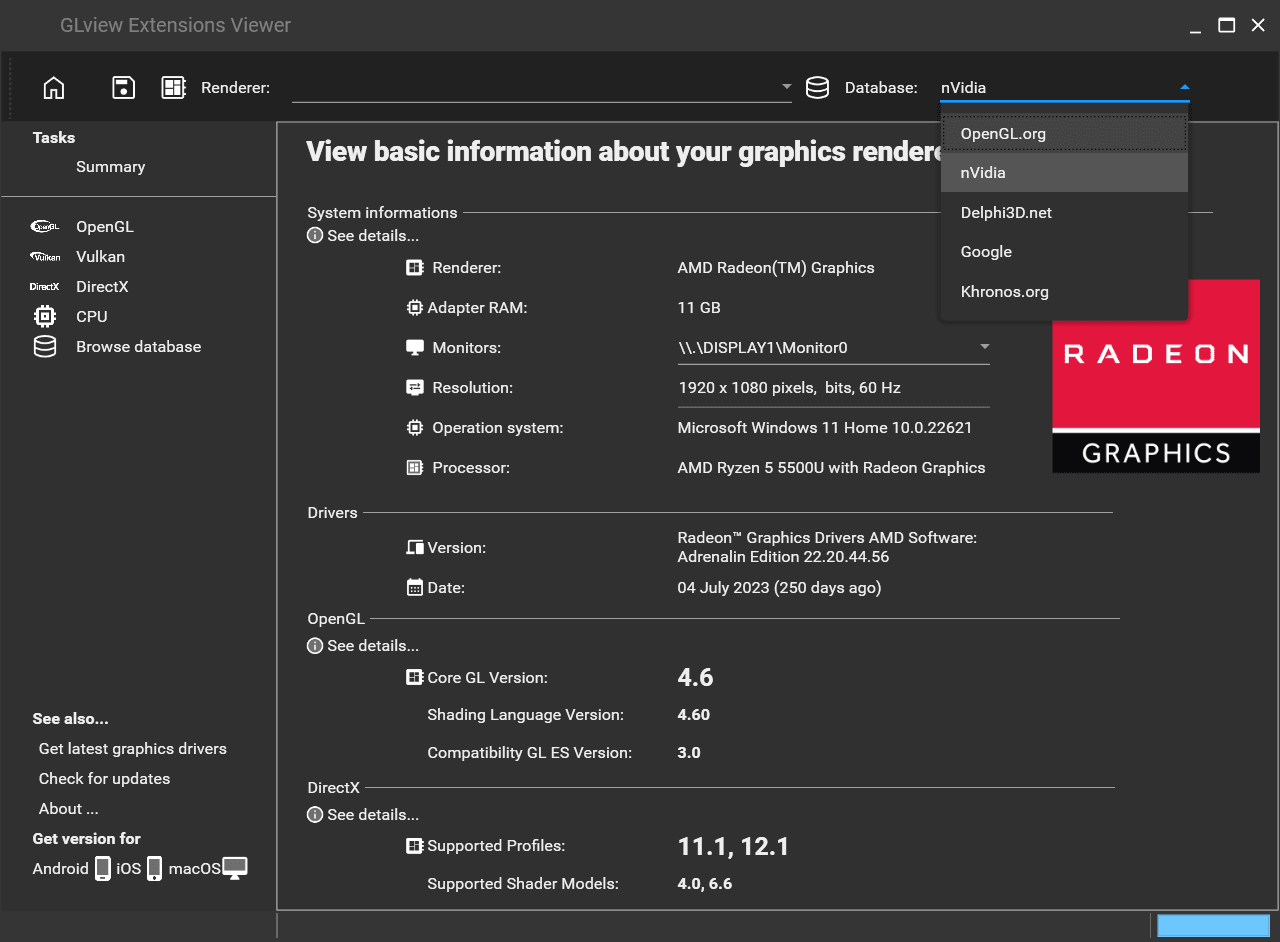
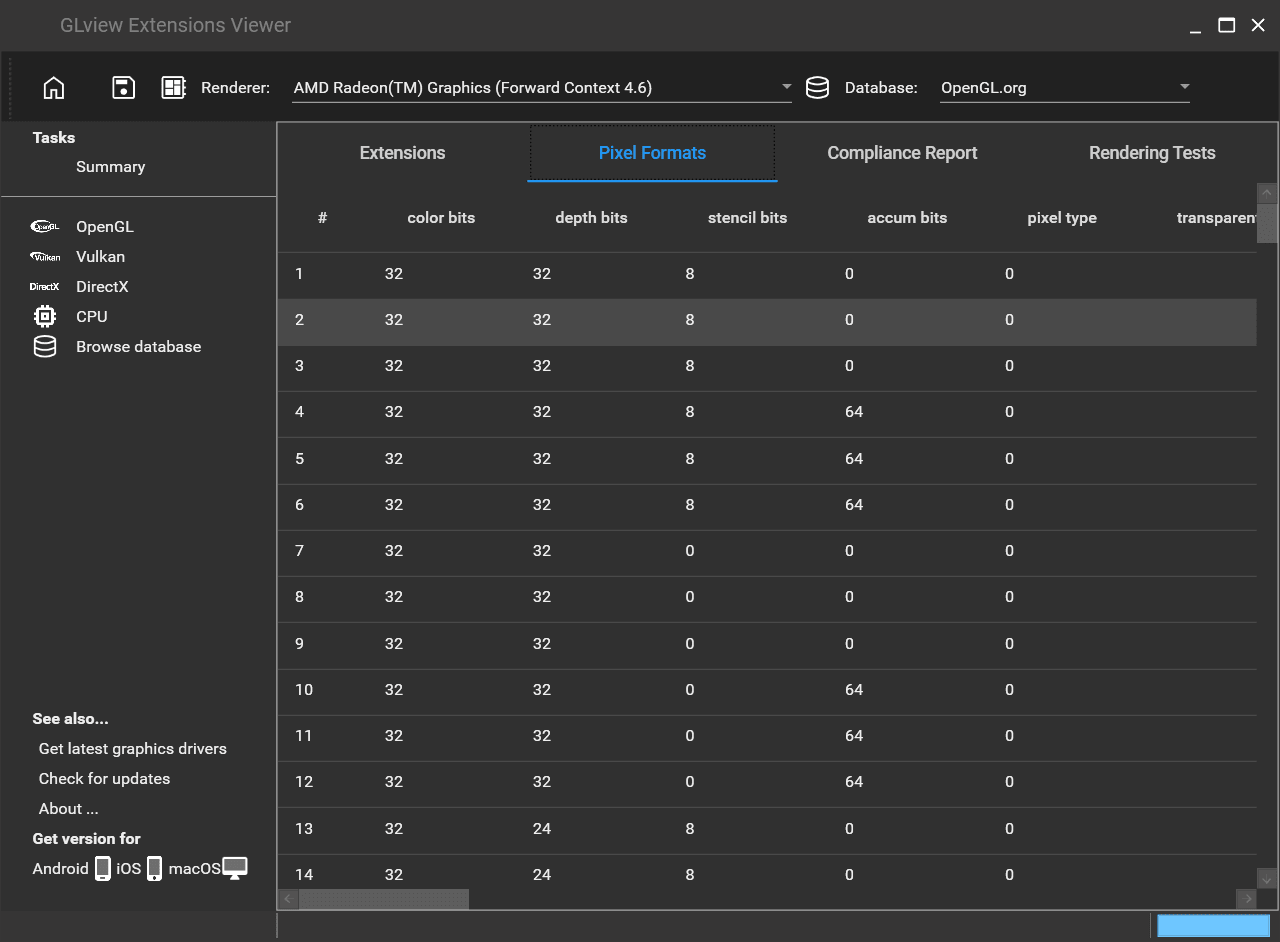
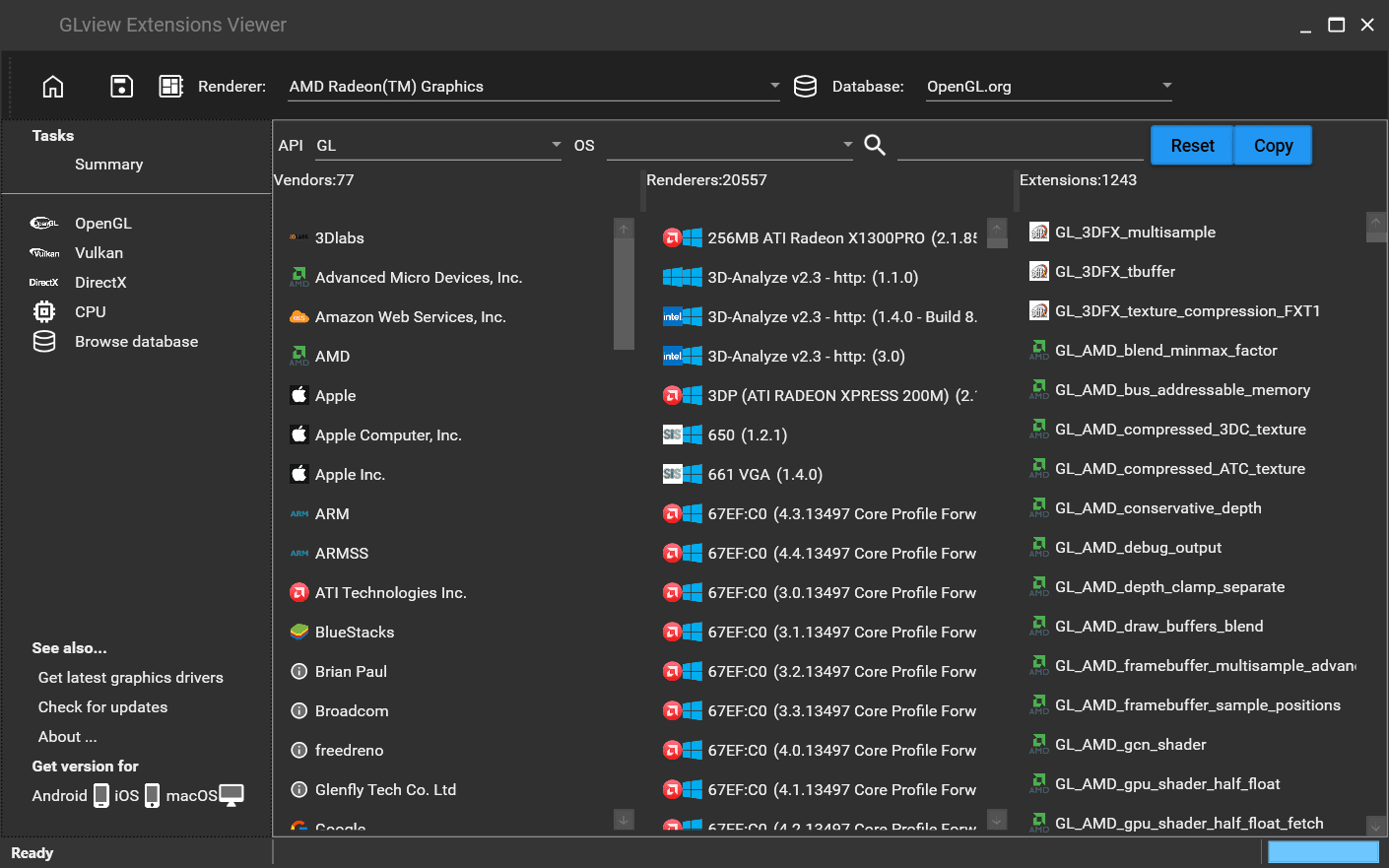
The GLView Extensions Viewer by Realtech VR is a popular program designed to display all the useful information you need about the current OpenGL 3D accelerator on your computer. When it comes to graphics hardware, developers need to know and understand the OpenGL capabilities of the hardware as well as which OpenGL features and extensions it can support. The most important and commonly required information is the OpenGL version, renderer details, and supported shader versions.
Why do you need the GLView Extensions Viewer?
Well, if you want to talk in simple terms, the GLView Extensions Viewer is used to extract the most important information about the abilities of the active OpenGL implementation. OpenGL is the most popular graphics API. Here is why the GLView Extensions Viewer is useful:
- To understand hardware support: When it comes to graphics hardware such as graphics processing units (GPUs), there is different support for each model.
- To check compatibility: When it comes to graphics-intensive applications, or especially games, it is important to test them on different graphics hardware to understand how well they are working.
- To optimize: As a developer, when you understand the capabilities and compatibility of your graphics hardware, you can then optimize your software to generate the best performance.
- To debug and troubleshoot: Sometimes applications or games can crash due to hardware limitations or issues. In such scenarios, GLView Extensions Viewer comes in handy to help debug and troubleshoot the issues.
Test your graphics hardware
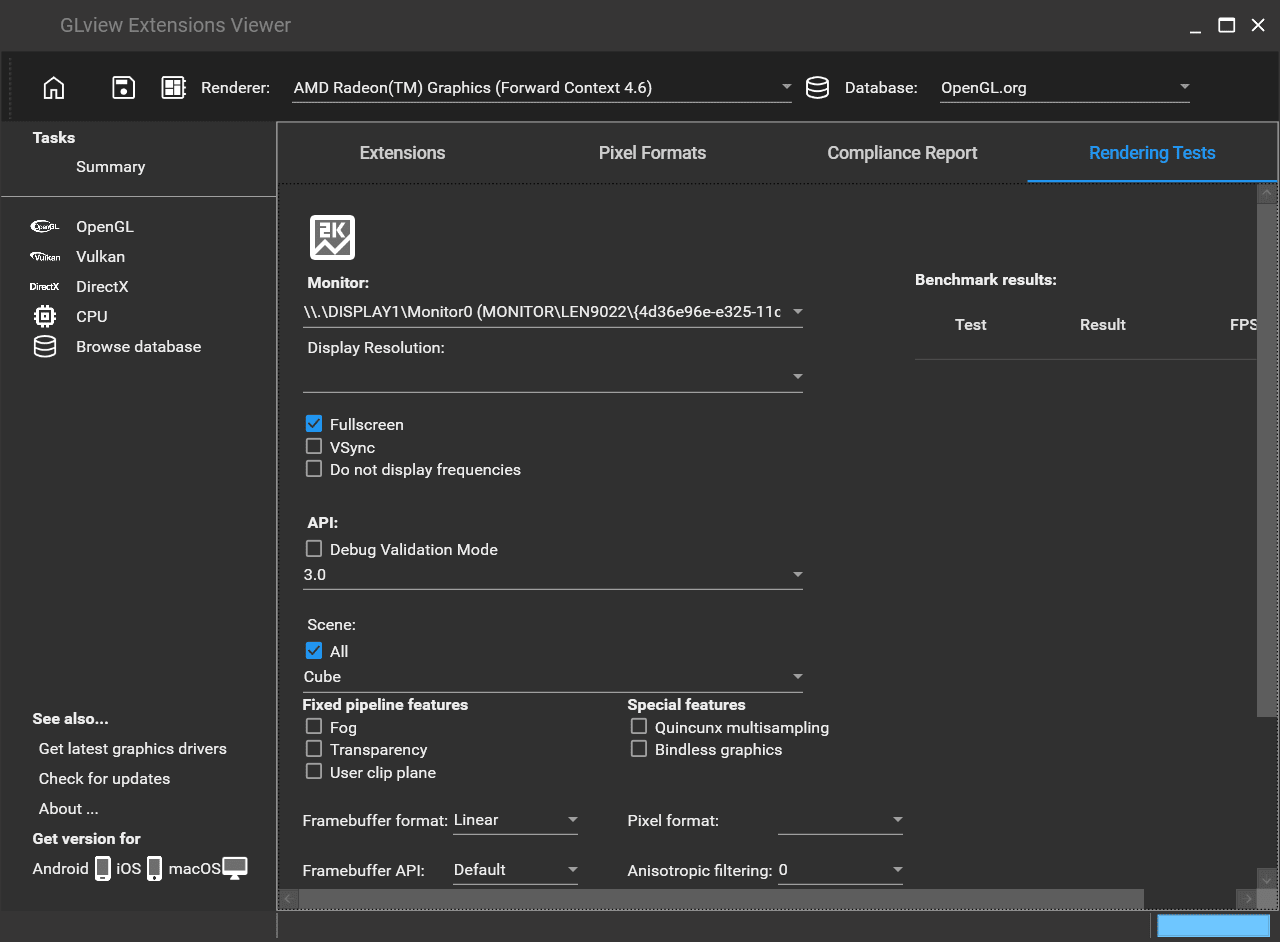
One of the best options within the GLView Extensions Viewer is the feature to test your hardware. You can manually run tests to determine the performance of your graphics renderer using this built-in feature. Instead of relying on an external application or game, you can launch the tool's standalone rendering tests and check out the results.
If it lags or there is any slowing down, you can then lower the test resolution to find a better optimization target for your application.
Support and compatibility
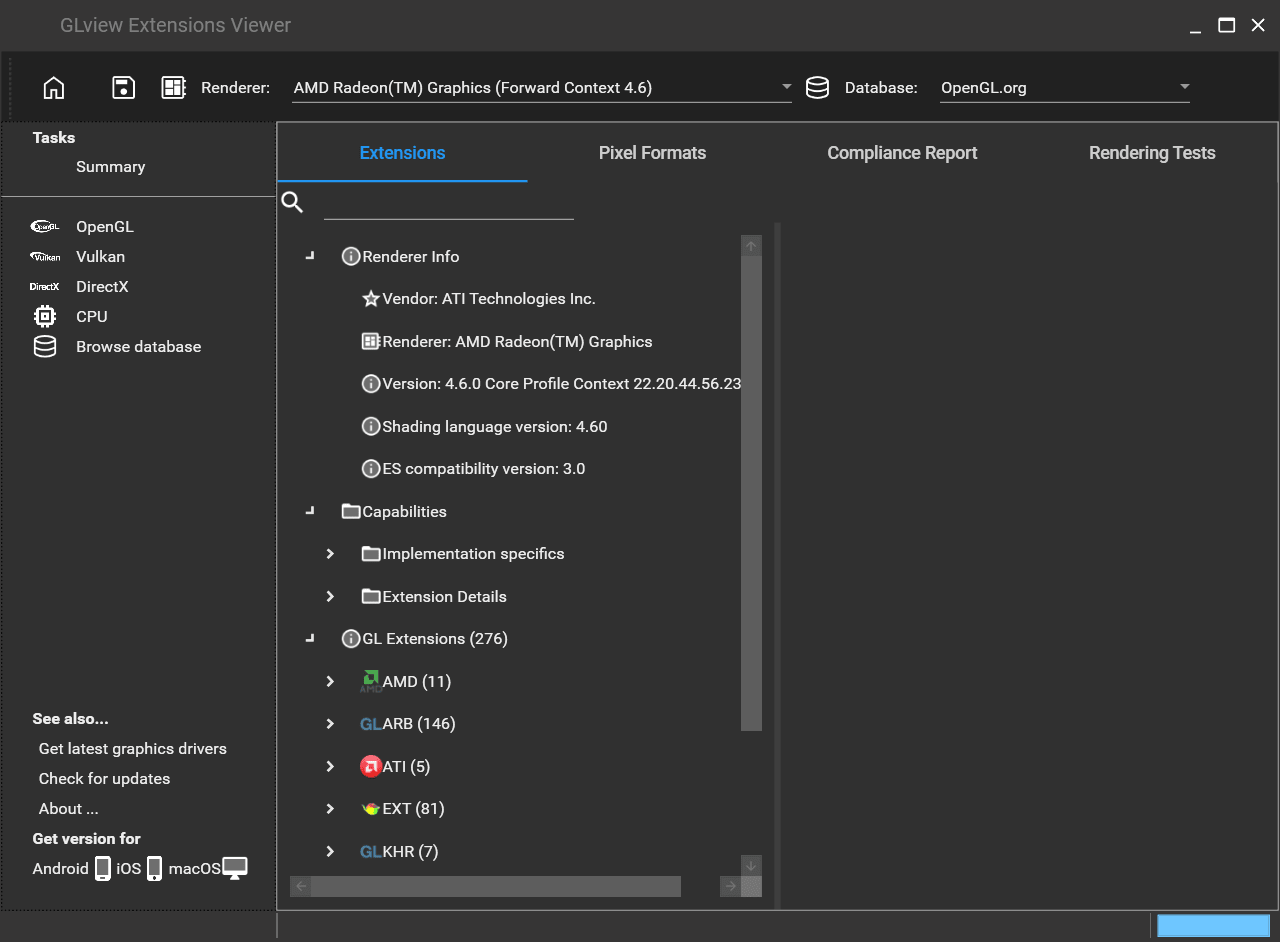
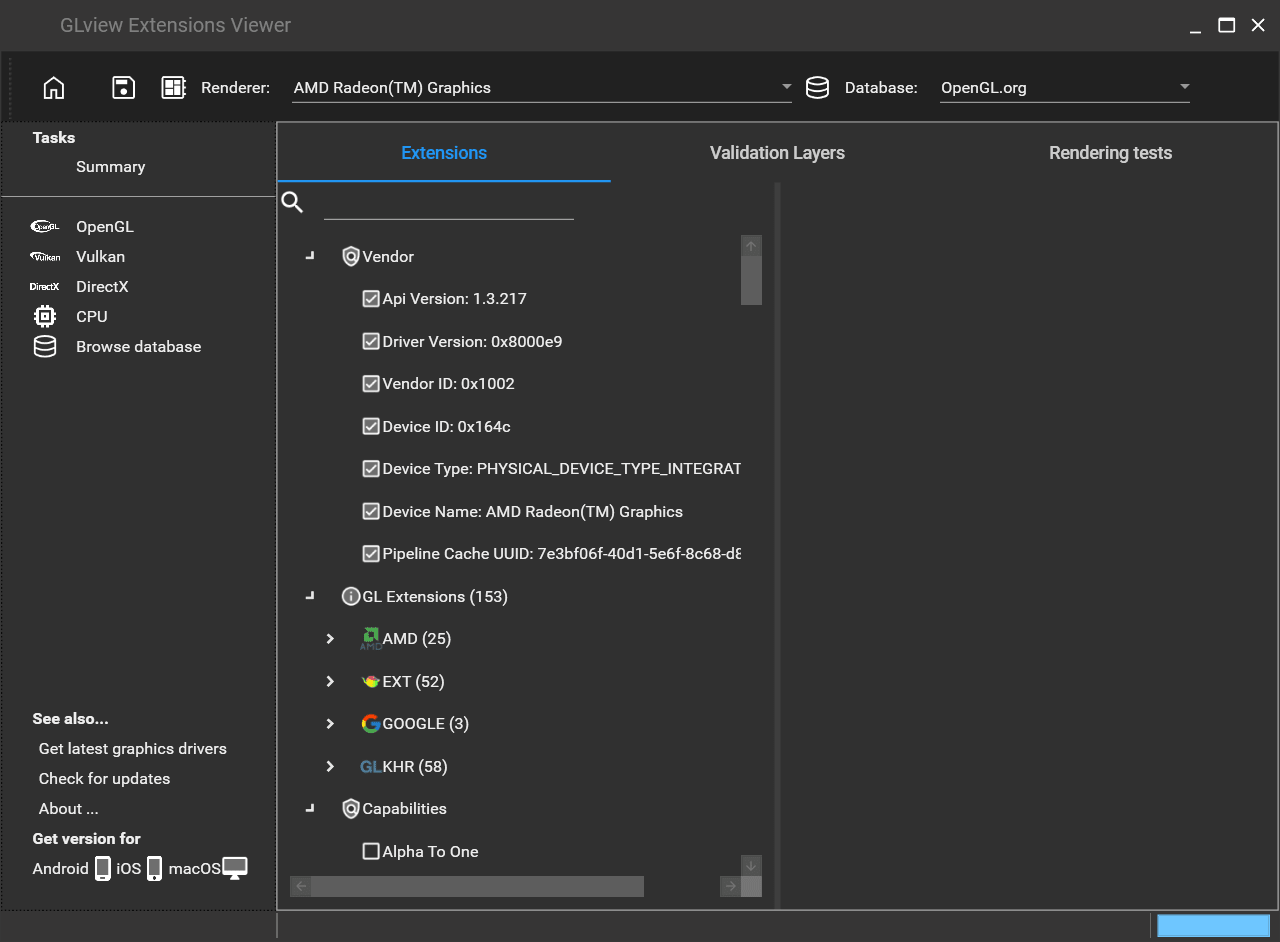
GLView Extensions Viewer provides useful information such as vendor name, renderer, version, shading language version, and ES compatibility version. It also includes more details like implementation specifics, extension details, and GL Extensions such as AMD, Nvidia, ARB, and many more.
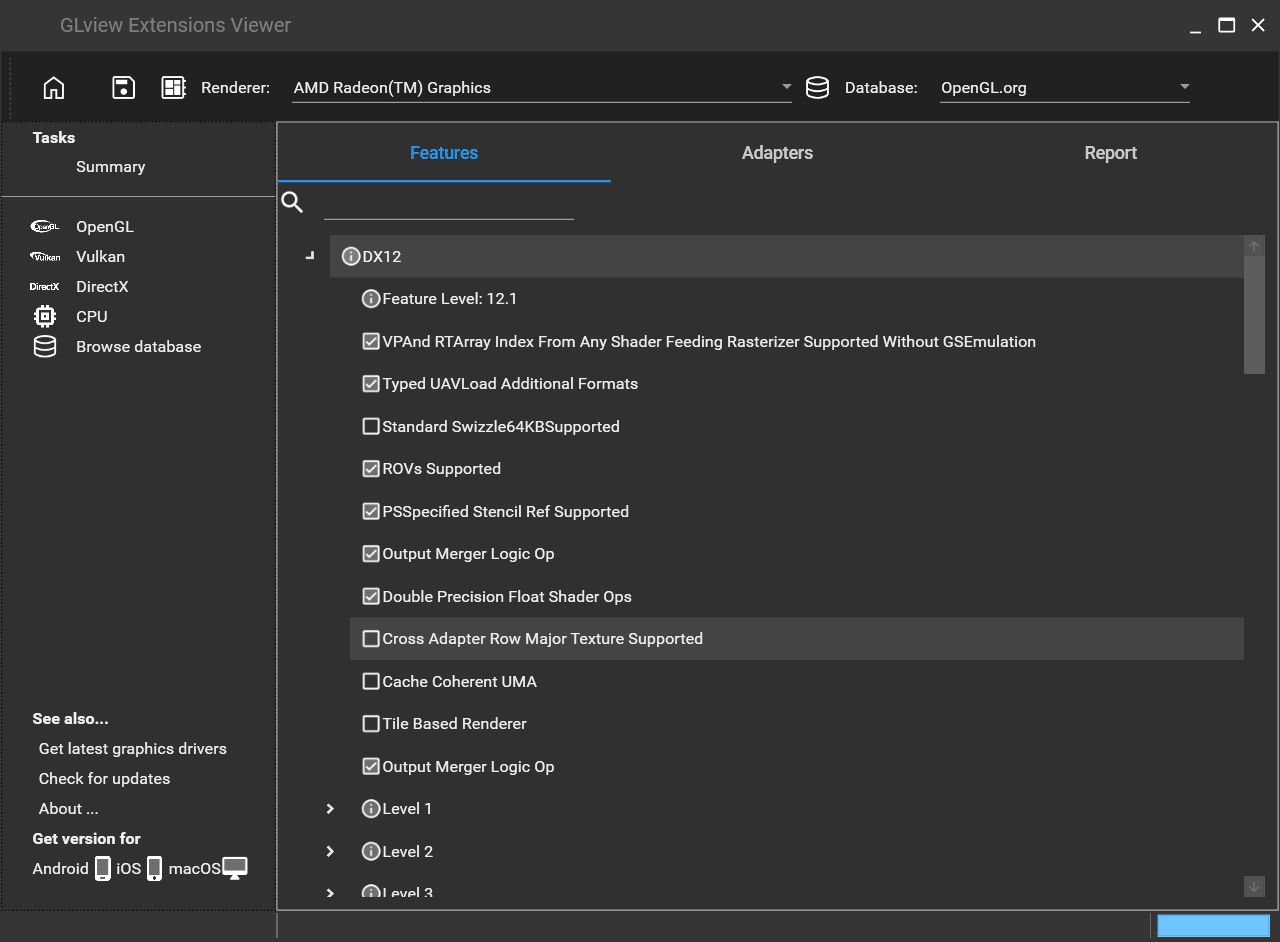
Alongside OpenGL, it also has support for detecting Vulkan and DirectX. It can provide you with all the information you require for them.
A helpful diagnostic tool
The GLView Extensions Viewer is free software developed by Realtech VR that is used to extract all the useful information for OpenGL extensions. If you are a developer who works with graphics, then this application is a good tool to keep on hand.